A map that explains the system
The world is the workspace.
This isn't a game layer painted over a dashboard. The valley is Agent Toolkit's information architecture: each place represents a real domain and opens its canonical workflow.
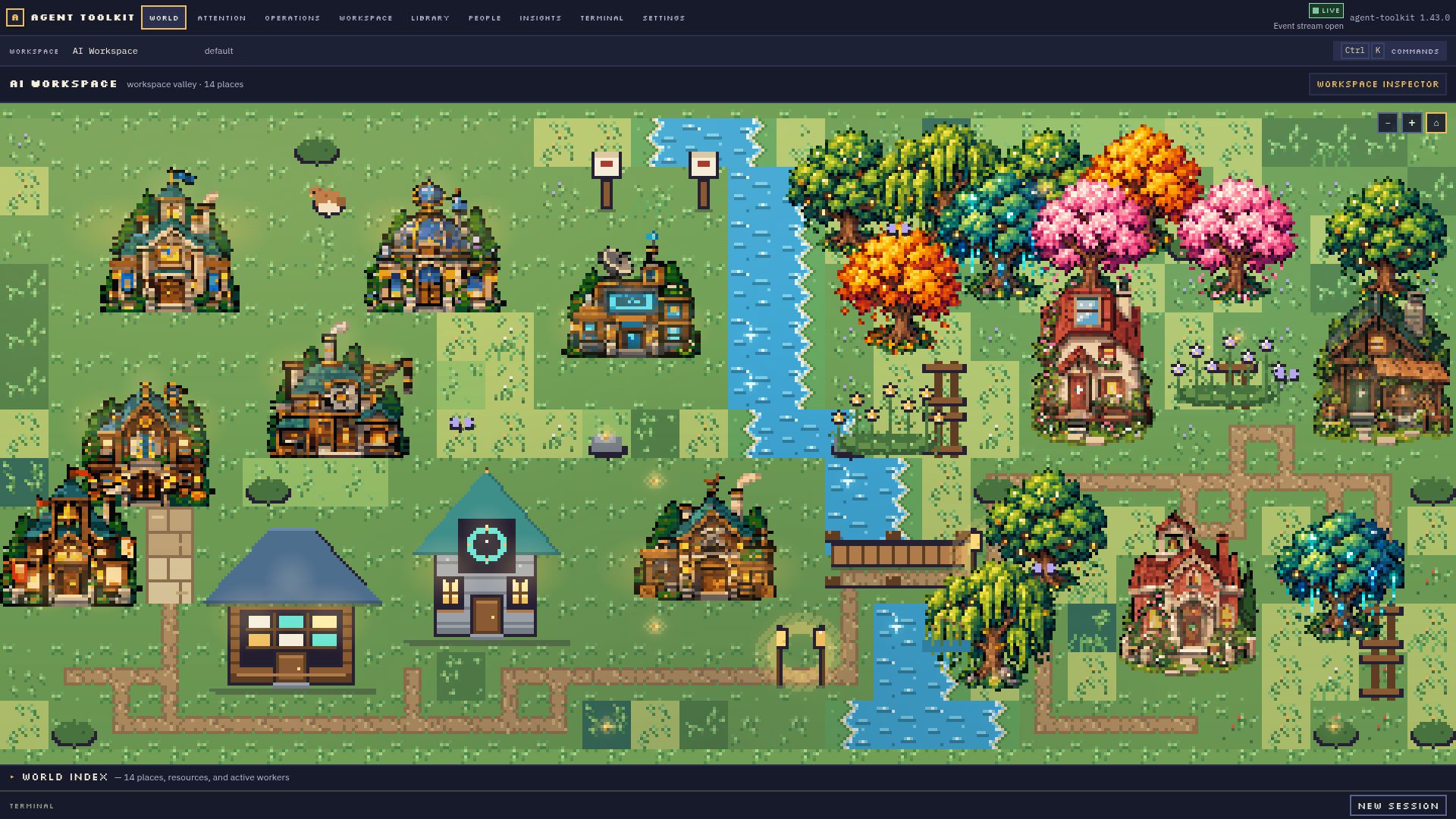
Landmarks have meaning
Learn the landscape once. Find things where they belong.
Hover, focus or select a place to understand it. Spatial navigation and direct navigation use the same destinations; no one has to walk an avatar to get work done.
Project
A registered repository and its own files, knowledge and terminal.
Reusable capabilities
Skills, Agent Definitions, MCP providers and discovery.
Memory
Durable workspace or project records, separate from files.
Real runs
Jobs, Loops, Swarms, human gates and recovery.
Direct control
A real PTY session tied to a project or Person.
Tools and integrations
Configured providers and installation evidence.
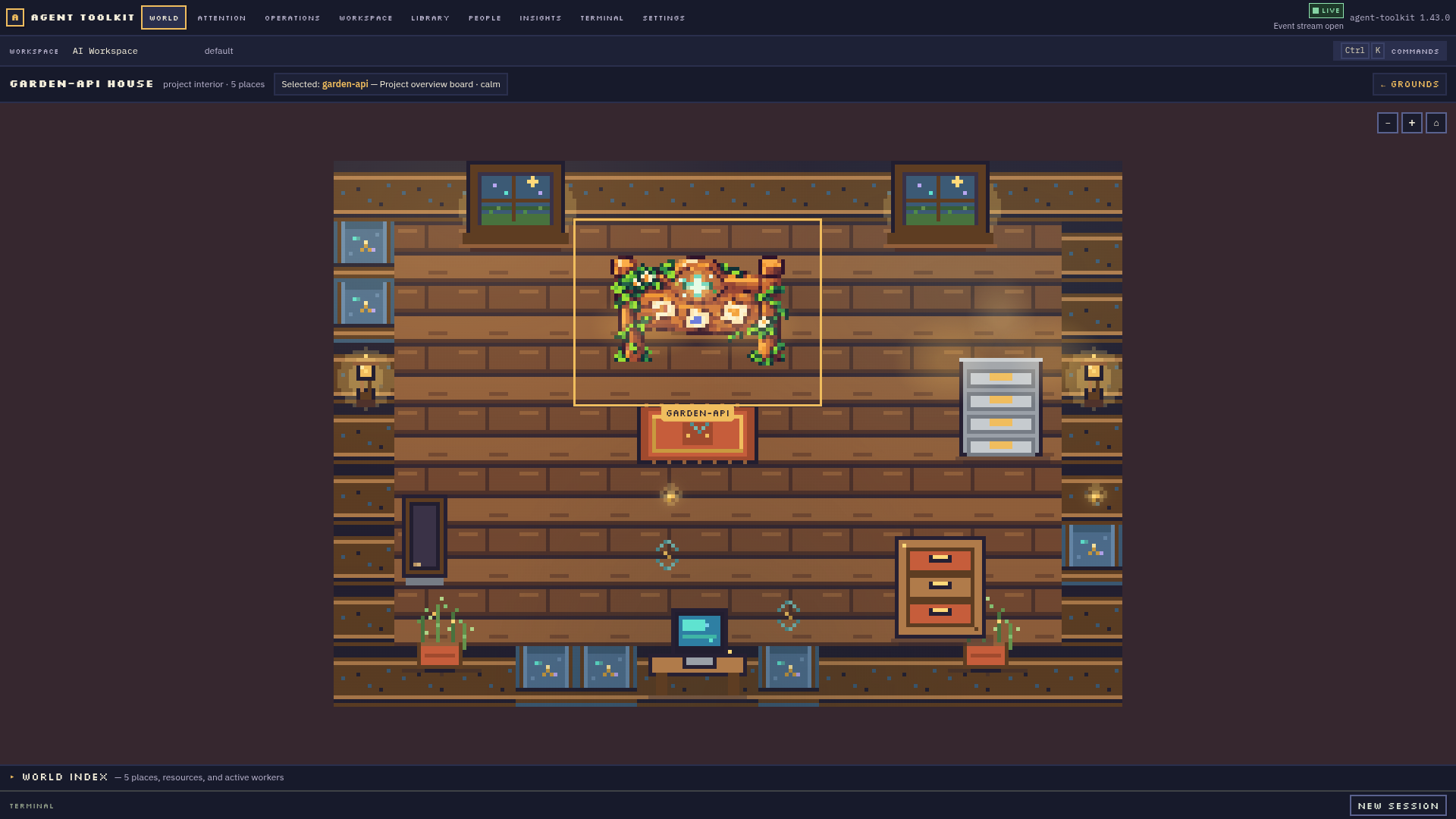
Inside a project house
Furniture is a shortcut to a real resource.
Files open the project tree; a shelf opens project knowledge; the archive opens recorded memory; the workstation opens its actual shell. Each one reflects live product data.
Ambient water, birds and fireflies make the valley warm while staying visually separate from agent presence.
Read the Desktop guide